
ZOC Online Help Topic:
Configuring a Host Directory Entry → Shortcuts
| Add this host directory entry to the main window's File menu | |
Select this option if you want the host to be accessible from ZOC's File menu. | |
| Connect via F-Key | |
It is also possible to define a Ctrl+F-Key (e.g. Ctrl+F6) combination
that can be used to connect to this host.
| |
| Create Desktop Shortcut … | |
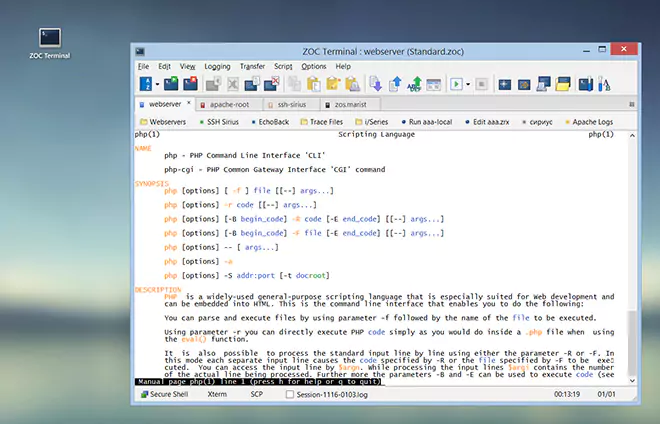
This button creates an icon on your desktop which will start ZOC and automatically connect to this host. The button will also let you create an entry in the user buttons of the current session profile. | |
← Back to Configuring a Host Directory Entry