Table of Contents
The Necessity of an Encrypting Shell-Client
In the context of client/server computing, the transmission of data between the host and a terminal
is facilitated through the utilization of a general terminal or a
terminal emulator. In this scenario,
it is imperative that the terminal or the personal computer executing a
terminal emulator is appropriately linked to the
server or mainframe computer.
Various methods exist for establishing the connection between the terminal and the server;
historically, the prevailing approach for networked terminal-to-server connectivity was the
utilization of telnet.
Nevertheless, the contemporary security landscape deems unencrypted transmission via
telnet as a substantial
security vulnerability.
Because of the ever-increasing demand for security, the SSH (Secure Shell)
protocol was developed. SSH uses advanced encryption technology to encrypt
every single piece of communication between the client and the
server. Should an unauthorized third party be able to intercept traffic somewhere
along the communication path, they will see nothing but completely useless data.
Technical SSH Basics
The basics of the secure shell (SSH) protocol are laid out in RFC 4253.
The document describes SSH as a secure transport protocol that is provided by a server on
tcp port 22 that provides strong encryption, cryptographic
host authentication, and integrity protection.
Or, as RFC 4253 states in its intro:
Secure Shell (SSH) is a protocol [that a software can use for]
secure remote login and other secure network services over
an insecure network.
This document describes the SSH transport layer protocol, which
typically runs on top of TCP/IP. [...].
Key exchange method, public key algorithm, symmetric encryption
algorithm, message authentication algorithm, and hash algorithm are
all negotiated.
This document also describes the Diffie-Hellman key exchange method
and the minimal set of algorithms that are needed to implement the
SSH transport layer protocol.
The RFC defines ways to create an encryption key (that later serves to
encrypt the traffic between client and server) in the possible
presence of a listener. It also definesw host and user authentication methods
(i.e. ways in which users and server can prove that they are who they claim to be),
and possible data compression to more effectively transmit data.
An especially challenging part of encrypting such communication, is the need to
negotiation a shared secret (an encryptino key) over a channel that might already
be monitored. SSH answers this challenge through the initial key exchange phase
of the connection using the older Diffie-Hellman kex method. Never versions
now also support ED25519 elliptic curve kex. It is a specific implementation
of the Edwards-curve Digital Signature Algorithm (EdDSA), which itself is a variant
of Schnorr's signature system with Twisted Edwards curves (math heavy details
can be found
in the upcoming IETF standard for ED25519).
Symmetrical Encryption
Symmetrical encryption is a type of encryption where a key can be used to encrypt messages to the
other party, and also to decrypt the messages received from the other participant. What makes the
encryption symmetric the fact that the same key is used for encryption and decryption.
Symmetric encryption usually requires little computing power and is hence used to encrypt larger blocks
of data. With SSH, it is used to encrypt the whole data stream.
Asymmetrical (Public/Private Key) Encryption
Asymmetrical encryption differs from symmetrical encryption in the fact that
two different keys are used.
One (any) of those two is used to encrypt the data and then the
other is used to decrypt it. The benefit of this technique is that one party can give the other
party a key to encrypt messages to you, but anyone knowing that key will still not be able
to decrypt the message again. Such a key is called the public key. The other
key, which is not shared and which is then used to decrypt the data block is called the
private key.
This also works in the other direction. Data that was encrypted using the private key can only
be decrypted using the public key. With SSH this fact can be used to prove identity. If a
message is decryptable using the public key, it proves that whoever encrypted the message,
is in possession of the private key.
Public/private key pairs are generated using the
ssh-keygen tool or
ZOC's built in key generator.
Key Exchange
An especially challenging part of encrypting such communication, is the need to
negotiate a shared secret (an encryption key) between the ssh client and server,
while the negotiation has to be initially performed on a channel that might already
be monitored by a third party.
Think of the problem as such: You need to agree with someone else on a
password, but you can only talk to each other about it
over a phone line which you know could be tapped by the enemy.
SSH answers this challenge through the initial key exchange phase
of the connection using the older Diffie-Hellman kex method. Newer versions
now also support ED25519 elliptic curve kex. It is a specific implementation
of the Edwards-curve Digital Signature Algorithm (EdDSA), which itself is a variant
of Schnorr's signature system with Twisted Edwards curves (math heavy details
can be found
in the upcoming IETF standard for ED25519.
Static Port-Forwarding
Static port-forwarding
(or tunneling) refers to situations where the desitination
host and port are known in advance.
Programs and protocols which do not use data encrpytion (e.g. ftp or rsh) can
connect to the tunnel's port on the local computer and the ssh client will transmit
their data through the encrypted ssh connection to/from a final destination that is already
known at the time when the ssh-connection is made.
For example, a user can set up a port-forwarding on the client software, listening on the
client port 5514 and forwarding traffic to the address of an older device with a fixed IP address
on the remote network that only supports the unencrypted rsh protocol.
Dynamic Port-Forwarding
As outlined above, static port-forwarding feature requires the client to set up the tunnel
source port and destination before making the connection.
This problem is addressed by secure shell's dynamic port forwarding. With dynamic port forwarding,
the client sets up a listening port (as with normal port fowarding), where a software that connects
to the port can tell the client which host and port it wants to connect to. This is done
in the same way that client software can request connections from a SOCK5 proxy.
The ssh client will then forward the connection request to the secure shell server which makes
the connection to the destination host. This way, the ssh client could let an unencrypted rsh
software access arbitrary rsh servers on the remote network through the encrypted data channel.
Other SSH Client Features and Requirements
In other words, there are many benefits to using SSH for connections. On top of the
encryption of the data transfer and secure key exchange, the secure shell protocol
also offers verification that you are connected to the correct computer.
This may seem surprising, but it makes perfect sense. Keep
in mind that if somebody were able to control any part of the communication path,
they could actually reroute the traffic to another computer.
This could then play the role of the computer which you actually wanted to
connect to (this is called a man-in-the-middle attack), and could either
display fake data or obtain information from the client computer. A feature
called known_hosts can prevent this.
The SSH terminal should also support a variety of authentication methods. These
include username/password, public/private key, and various custom formats. The
latter might include a system where the server could obtain information that only
the authorized users know, e.g. by using a SecurID card or by sending an access
code to the user's mobile phone.
To be able to connect to various different servers, the ssh client
it has to support latest key exchange and encryption
protocols, because what seemed unbreakable five years ago, is considered less
so today. Most server continually switch to more advanced encryption methods,
ssh clients need to support these as well.
Other typical must have features for would be:
- ECDSA, ED25519, RSA and DSA public key authentication
- Port forwarding (tunneling connections from client to server through the ssh channel)
- Dynamic port forwarding (SOCKS like)
- Connection through proxy
- SFTP ans SCP file transfer
- X11 forwarding (allows to run x-windows programs on the remote server)
- PKCS#11 authentication (this allows authentication through hardware, e.g. smart cards)
- UTF8 support in terminal emulation
SSH Connection via Proxy
In some environments, end user computers are not allowed to access the outside internet directly.
In those cases, connection and data exchange is made by way of a
ssh proxy which handles the actual
connection to the outside network (internet).
X11 Forwarding
X11 is a communication protocol which allows a remote computer to run programs with a graphical
user interface on a remote computer. SSH supports a way to tunnel this type of communication
between ssh client, thus allowing the user to run X11 software on the server and see the ouput
on his computer.
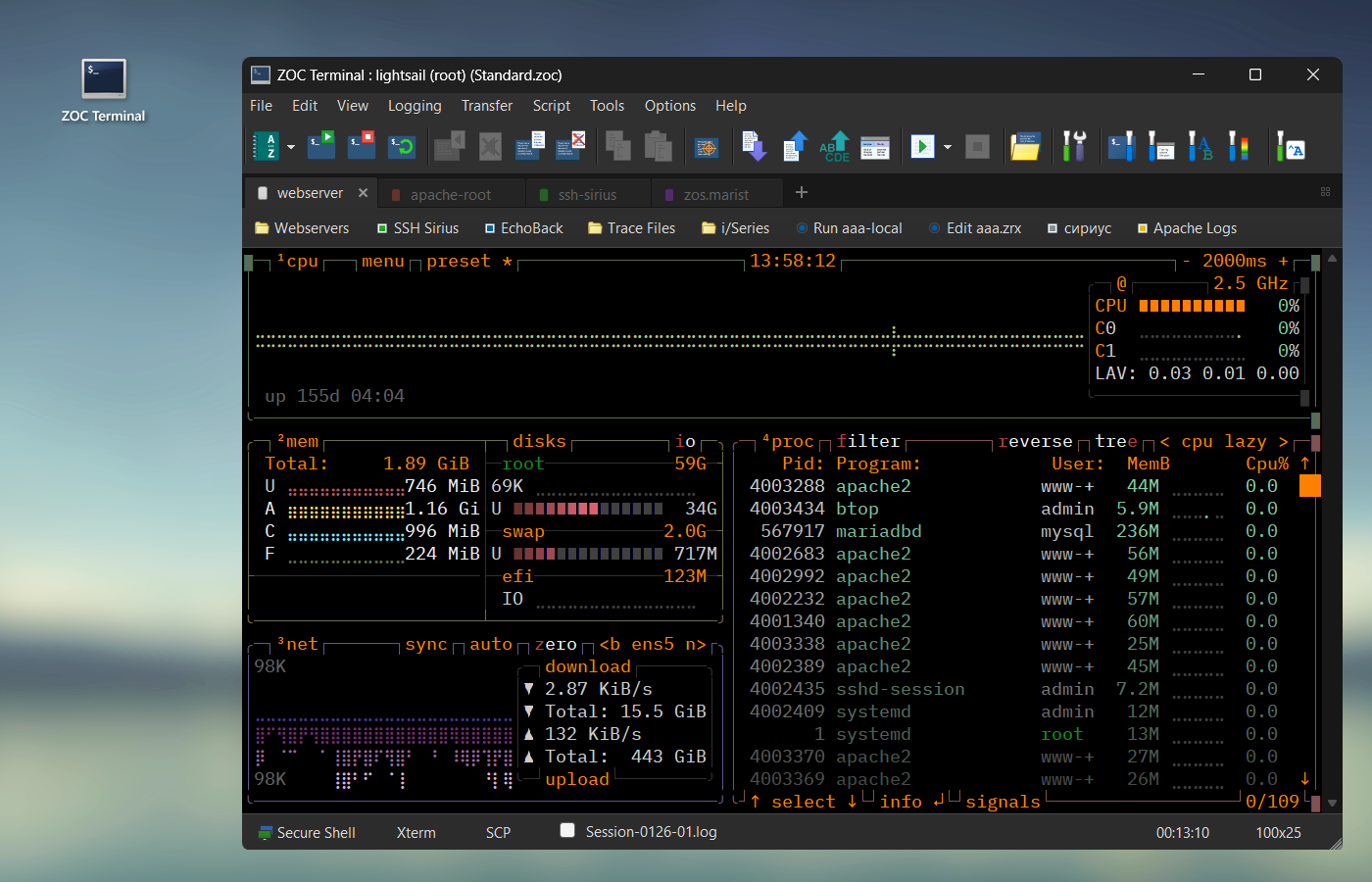
ZOC Terminal: A Modern SSH Client for Windows and macOS
The secure shell protocol covers the actual transmission of data between the
client and server. But the secure shell client
is usually a terminal emulator,
i.e. a software that allows a remote computer to receive keyboard input
from, and send formatted text (color, cursor placement, etc.)
to the user's computer.
Thus, in addition to secure connection and encrypted transmission of raw data, the
client still needs to be able to perform the functions of a terminal emulator
(supporting various terminal emulations), but also extra functions like printing,
logging, script-automation and so on.
Together with ssh features like latest encryption and public key
authentication, port-forwarding,
tunneling, smart card authentication, etc.
this makes ZOC the ideal SSH client.