
ZOC SSH/Telnet Client – Screenshots
Note: The screenshots below are for Windows. If you are instead interested in ZOC Terminal for macOS, you will find the screenshots here.
|
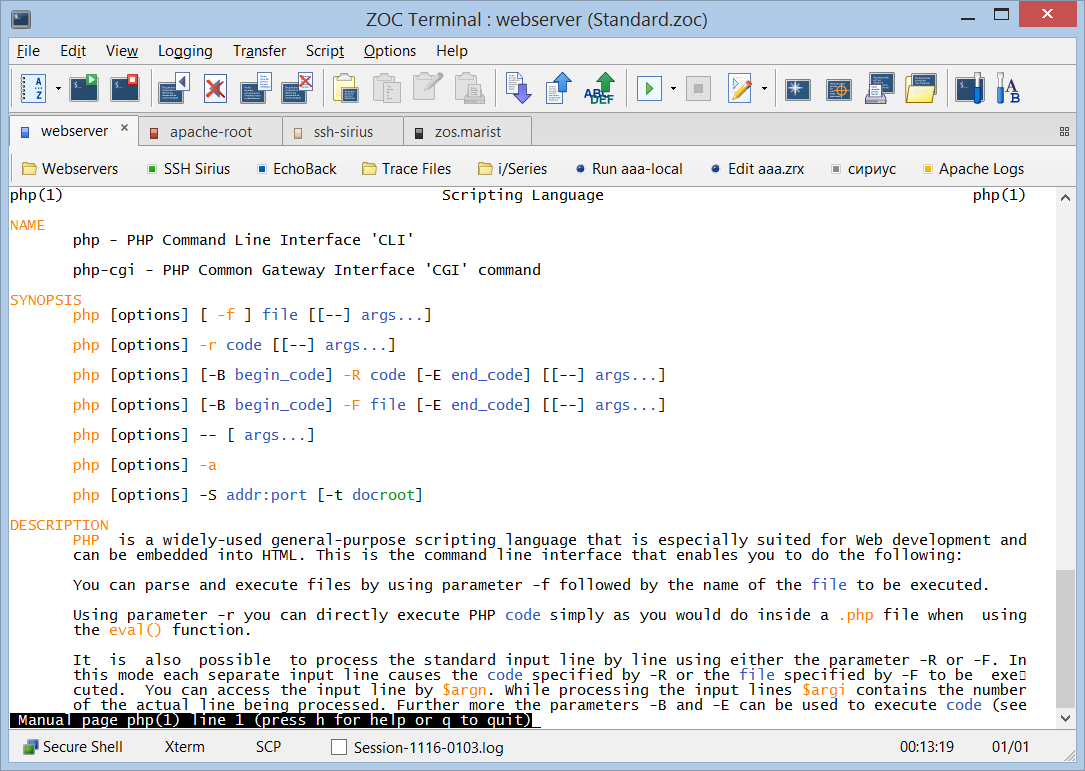
The picture to the right shows ZOC's terminal screen configured as ssh client communication with Linux emulation. Note the toolbar and the buttons bar which are both fully configurable. The toolbar in the picture just shows some of the buttons available (there are over sixty). The button bar lets you map arbitrary functions (such as calling a certain host, starting a certain REXX file, etc.) onto buttons and you can choose your own labels. The buttons in the status bar show the current communication (secure shell), terminal emulation and file transfer type. It also log file name, online time and more. Clicking on them brings up the options dialogs that configure these services. |
|
 |
|
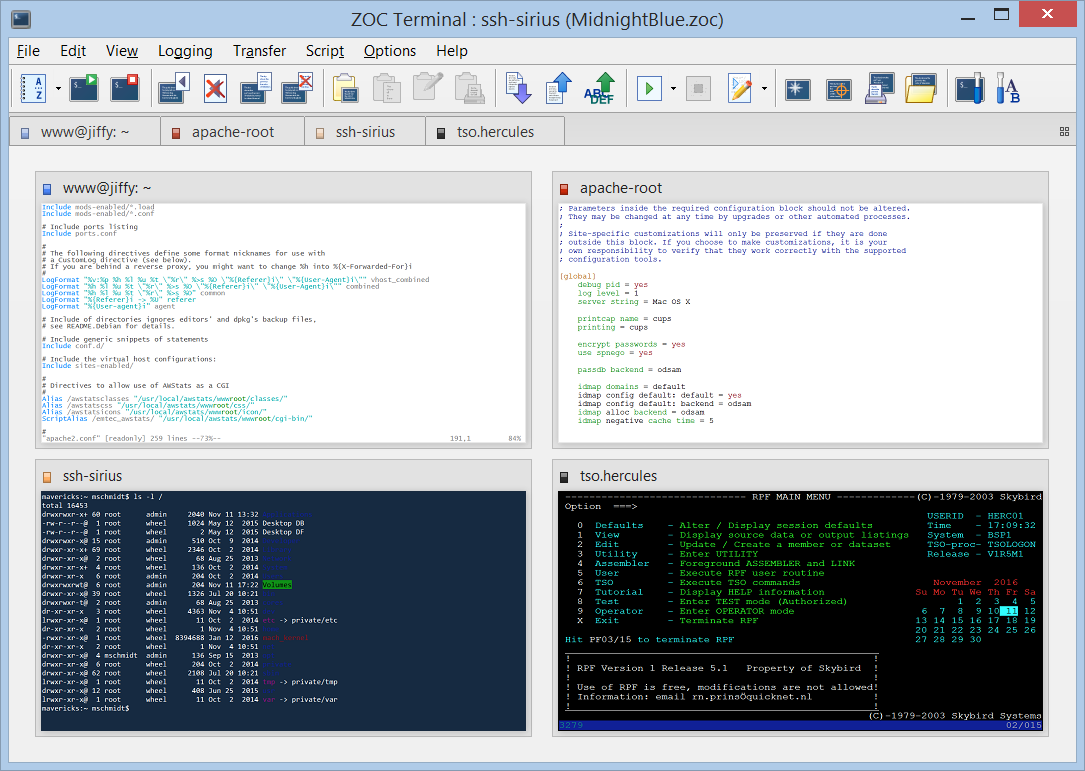
ZOC supports a wide variety of emulations which allow to connect to very different system environments. The screenshot shows the thumbnail overview with concurrent ssh client connections to two Unix systems using the Xterm connection, one macOS system via VT220 and an IBM mainframe. |
|
 |
|
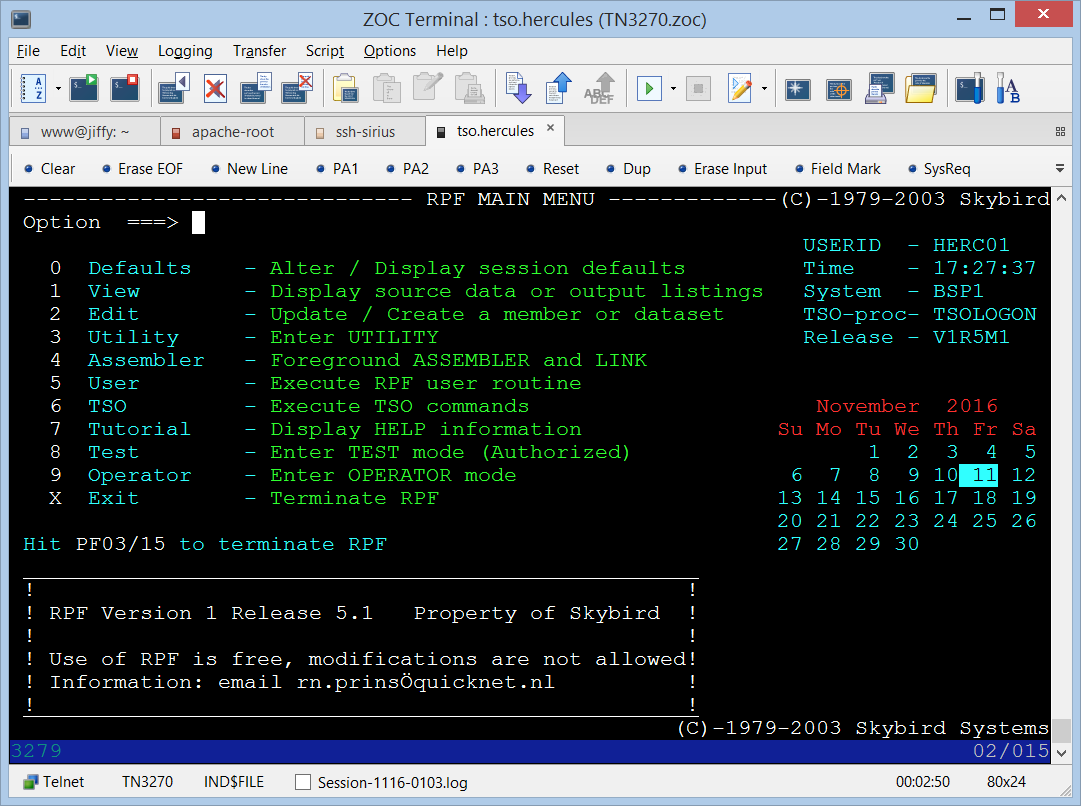
The image to the right shows a full size screenshot connecting via telnet to another IBM z/Series mainframe using the TN3270 emulation. |
|
 |
|
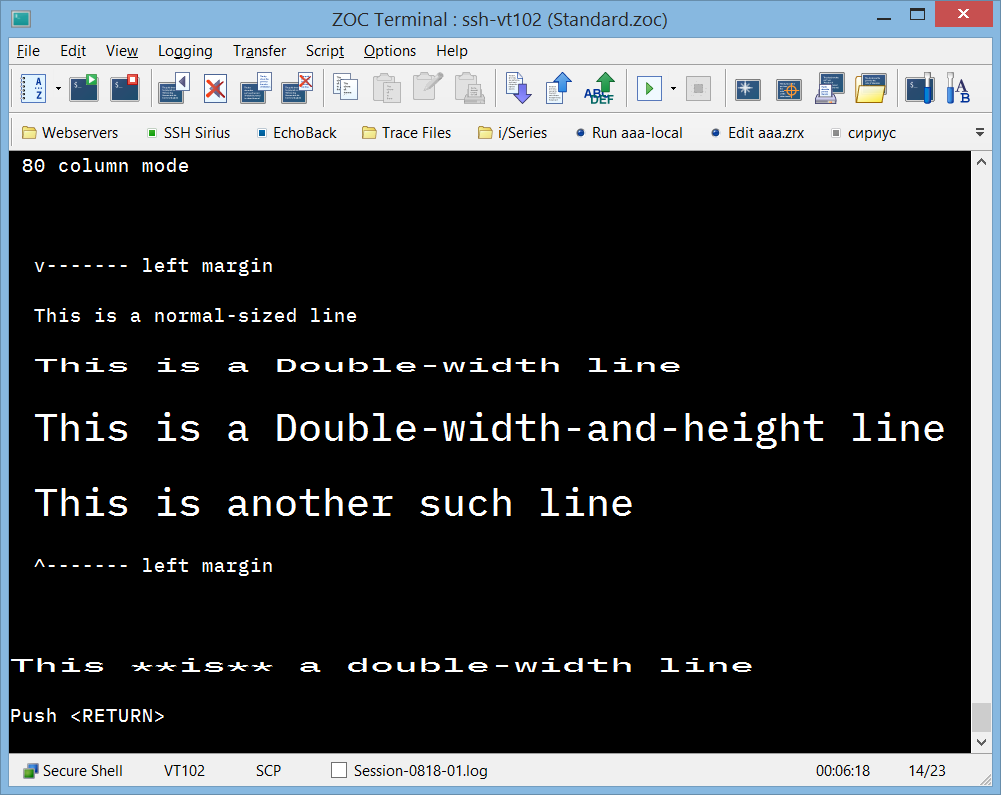
Vttest is an application that is used to demonstrate features of VT100 and related terminals, or emulations thereof, such as xterm. ZOC has been tested using the vttest suite, based on a test score developed by Columbia University. ZOC Terminal has scored an excellent 105 Points (see the score sheet), which ranks it among the best in the industry. |
|
 |
|
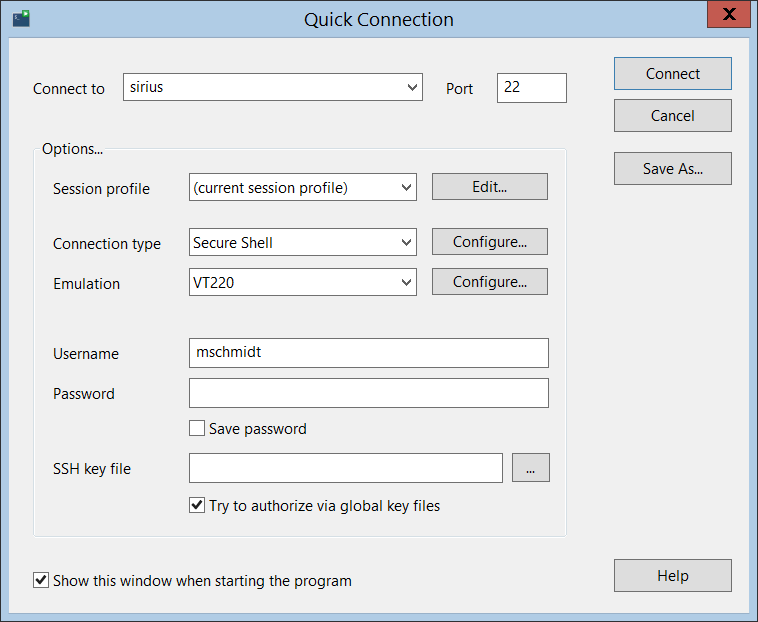
The most simple way to make occasional connections to hosts is is the Quick Connect feature. It lets you choose from a basic set of options and profiles and immediately makes a connection without having to deal with too many specifics. The screenshot shows a quick connection to a host via ssh. The field that now shows 'secure shell' can quickly switch to other connection types like telnet or serial cable. |
|
 |
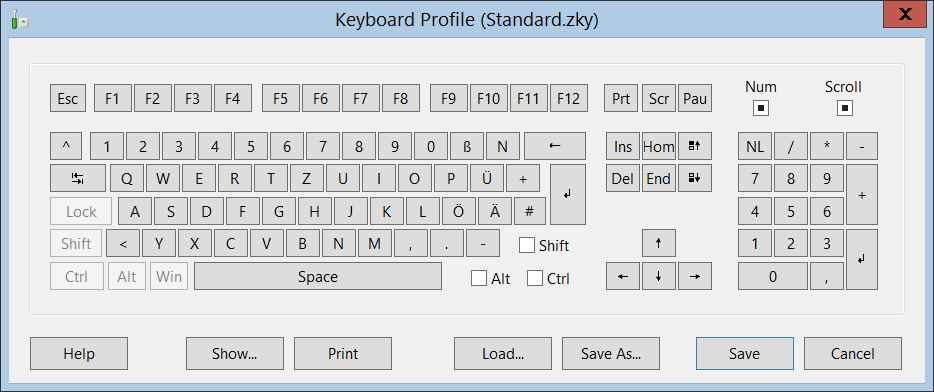
| Keyboard remapping profiles allow you to completely redefine the keyboard. Each key or key combination can be mapped to send text, connect to a host, start a script, perform a menu function, etc. |
|
 |
|
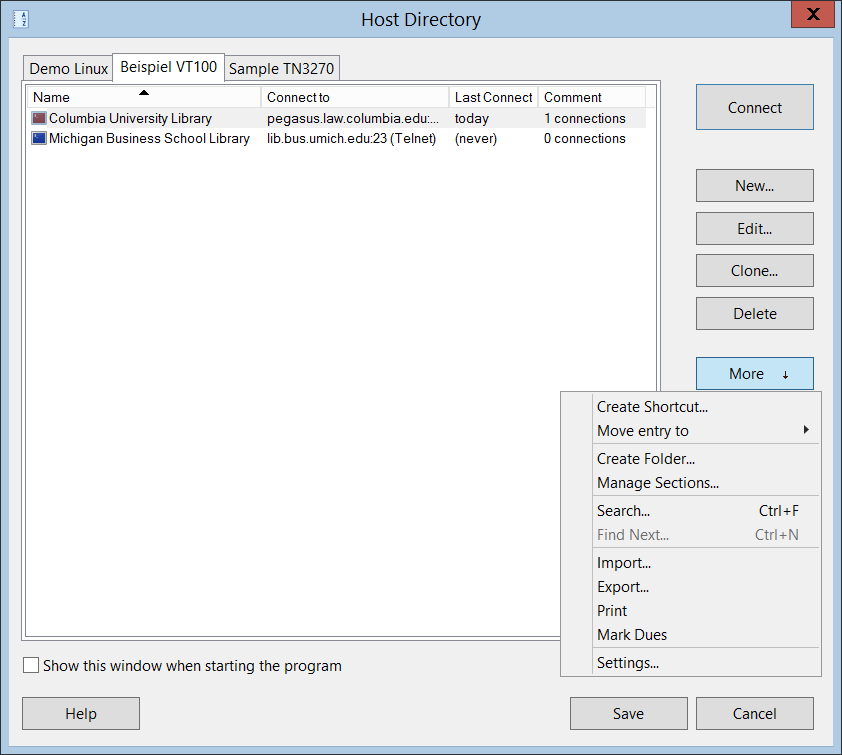
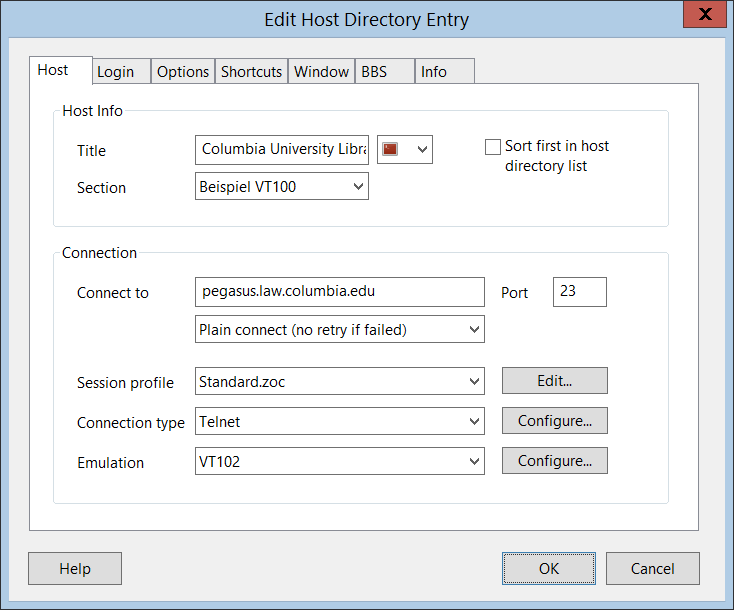
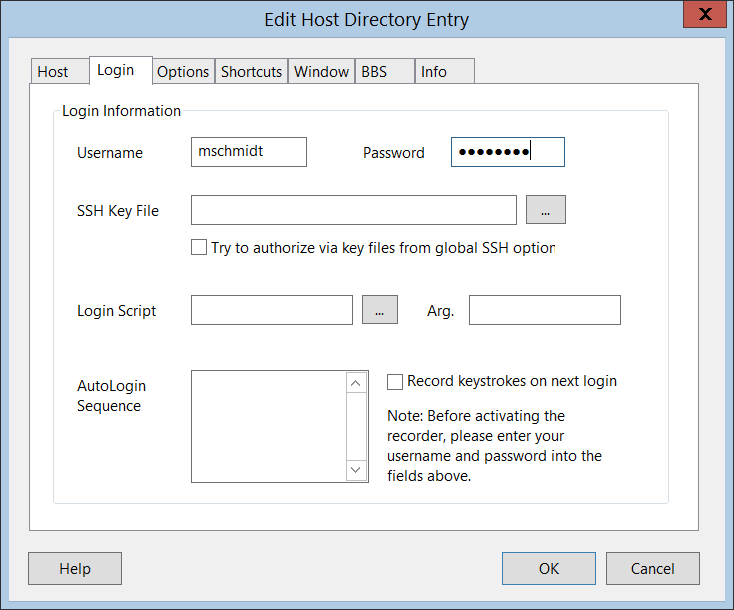
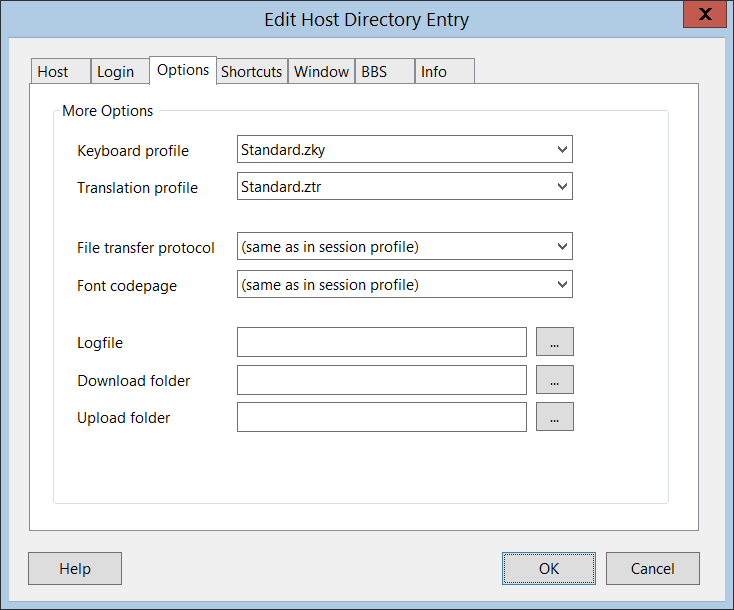
For connections which you need to make on a regular basis ZOC offers a fully featured host directory which can be divided into sections - each of which may be named individually. In addition to that, each section can contain folders. The hosts can be connected to from the host directory dialog, important connections can be mapped into ZOC's file menu or user button bar or you can create a shortcut on your desktop to start ZOC and initially make the connection. This screen shows important information about the entries, whose details may be altered by editing the entries. An entry in the host directory is any host that can be reached via telnet, SSH, rlogin, modem or ISDN. Each session can have its own set of options and visual appearance. It is also possible to automate the login to the host or to start a script to run automated actions after the connection has been established. |
|
    |
|
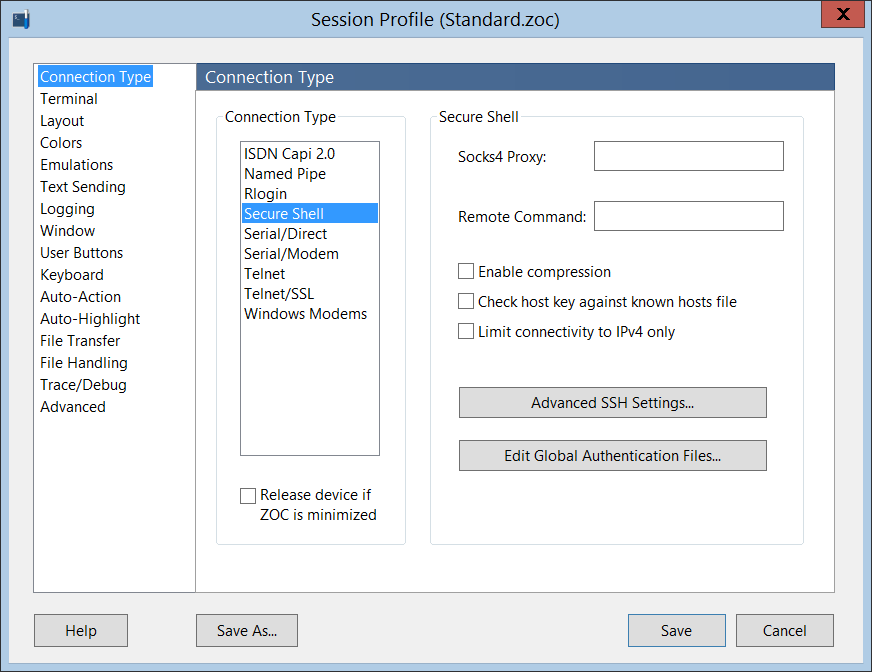
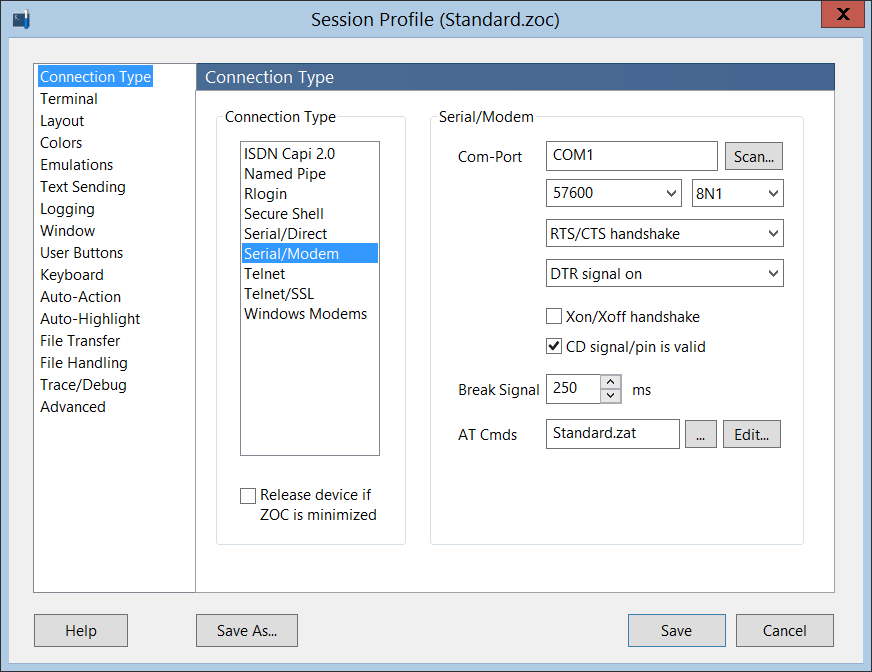
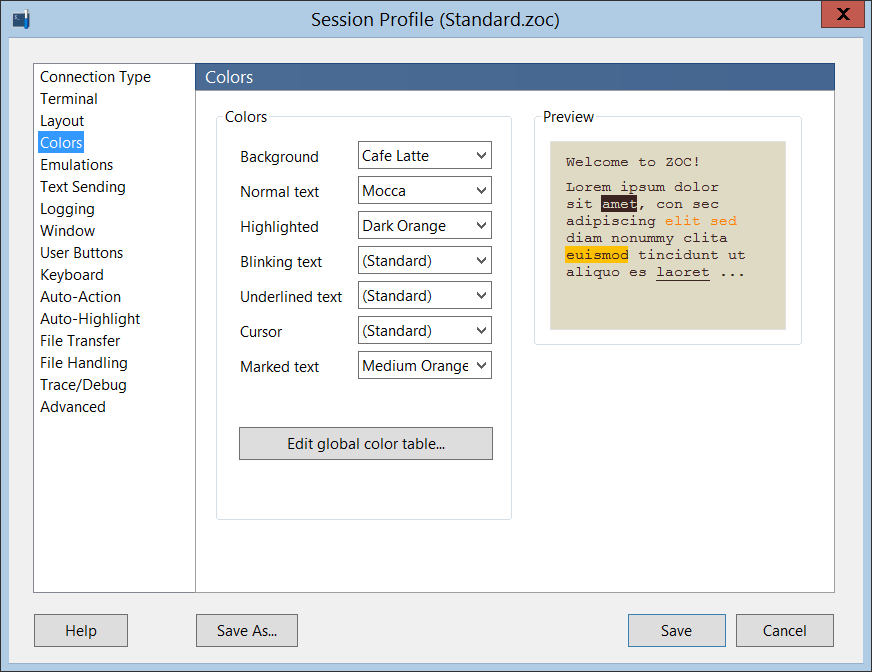
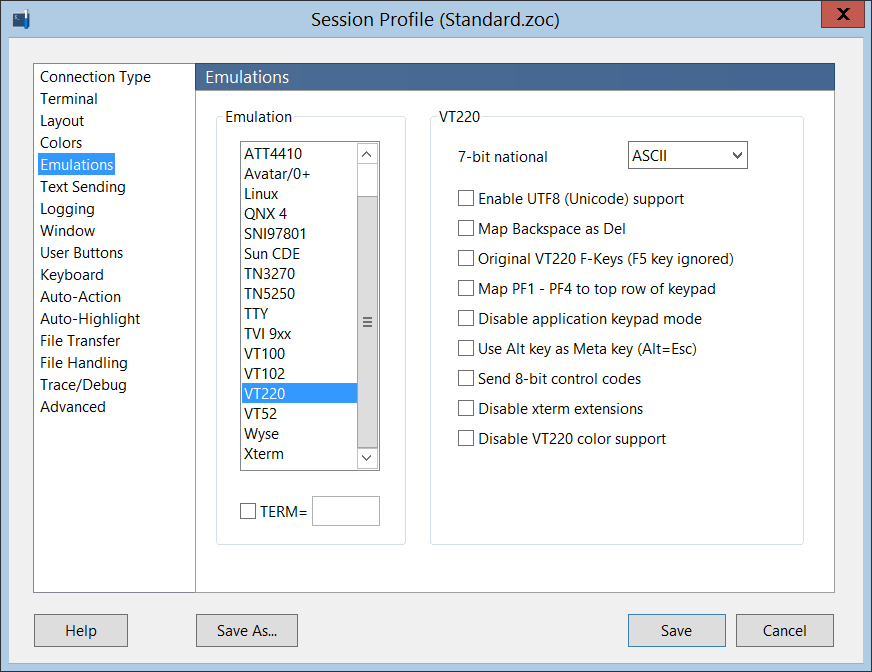
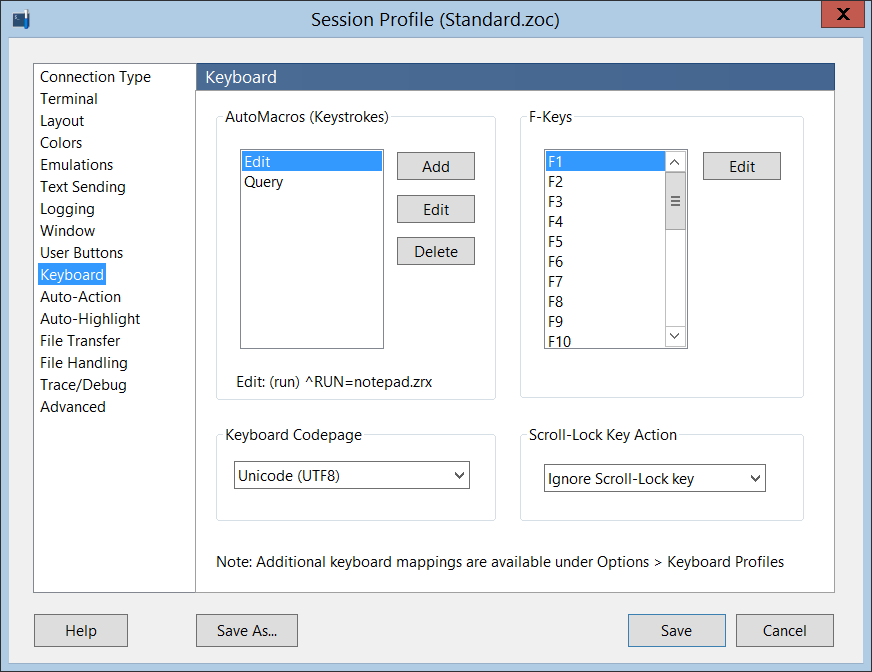
You can save several sets of session-related options (session profiles) and map these to host directory entries which share these characteristics, e.g. a set of options for your typical ssh connections to linux hosts and another one for IBM mainframes. Or you could create one for all your root shell access (with a button bar with shortcuts for typical root commands) and one for web server accounts. This means that you don't have to set all those options again and again for each new host. Instead you create those profiles (different screen size, colors, button bar, f-keys) once and then assign them to hosts where you need them. |
|
     |
|
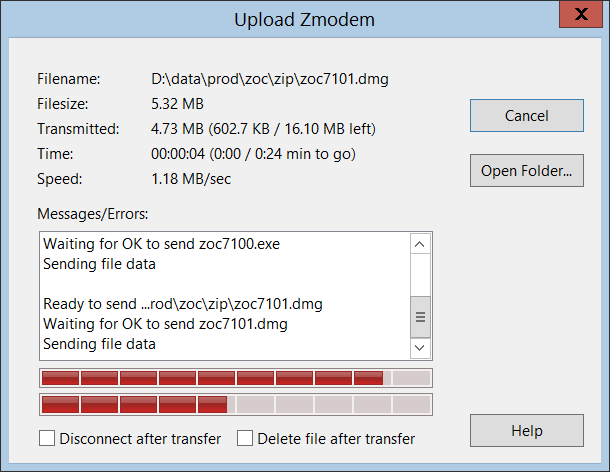
File transfers are possible via telnet and SSH connections, which allow you to send and receive files directly to and from shell sessions on a server, for example using the Zmodem rz/sz command or SCP. If a file transfer is initiated, ZOC will show you the file size, progress, number of bytes and time remaining. With multiple files, ZOC will also show a progress bar, time and bytes remaining for the full transfer as well as for the individual files. |
|
 |
|
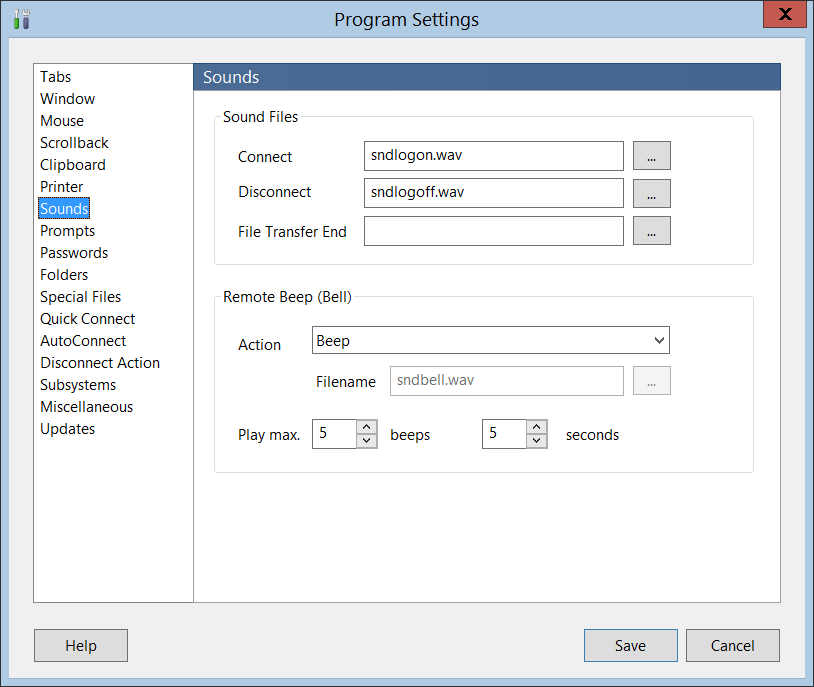
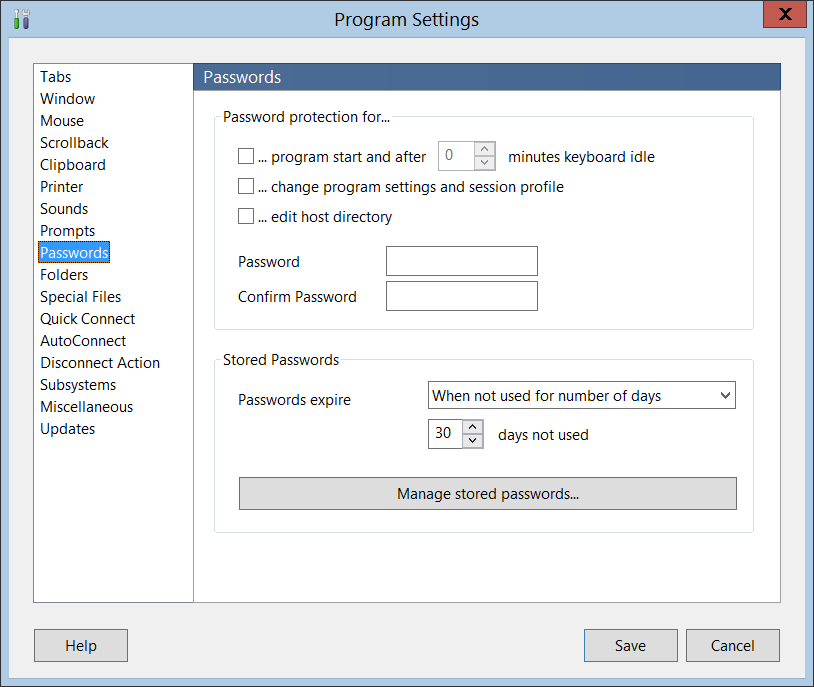
In addition to the session profiles, ZOC offers a wealth of program-related configuration options, e.g. printer selection, activation of warning messages, sound files, auto connection parameters and more. |
|
  |